A complete, all-in-one system for every kind of business. Instead of running sales in one place, stock in another and the books in a third, it brings billing, inventory, purchasing, accounting, CRM and HR onto a single platform where one transaction updates everything at once. Whether you run a shop, a distribution business, a factory or a service company, you get one connected system — easy to learn, quick to deploy, and ready to scale as you grow.
One platform for sales, stock, purchasing, accounting, CRM and HR
Fits retail, wholesale, manufacturing and service businesses
Multi-branch and multi-warehouse, with unlimited users
Multi-currency buying, selling and reporting
POS counter with barcode scanning for fast checkout
Real-time dashboards on desktop, tablet and mobile
02 How it works
Everything your business runs on, in one place
From the first sale to the final report — here is Karyaal at work.
01Sales & billing
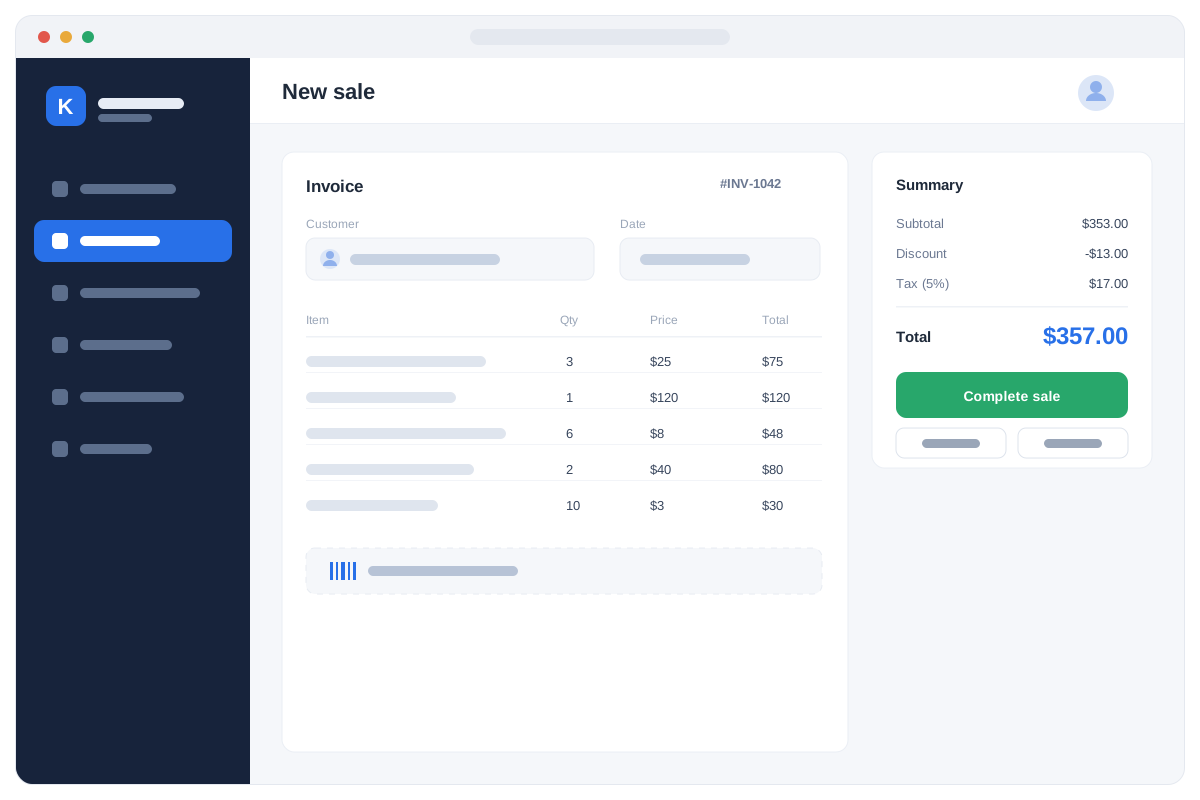
Bill and get paid in seconds
The counter is where a business is won or lost, so this screen was built for speed above all else. Scan a barcode or search by name and the item, its price, its tax and its discount land on the bill instantly — no typing, no calculator, no price list on the wall. Take cash, card, credit or a mix of them, print a tax-ready receipt, and serve the next customer.
Barcode scanning and fast touch billing
Per-customer, wholesale and retail price levels
Line or invoice discounts, applied automatically
Cash, card, credit and split payments
Quotations, sales orders, returns and credit notes
Held bills and a shift-wise cash closing
The moment a sale is completed, stock, the customer balance and the general ledger are already updated — your counter, your warehouse and your books can never disagree.
02Inventory & stock
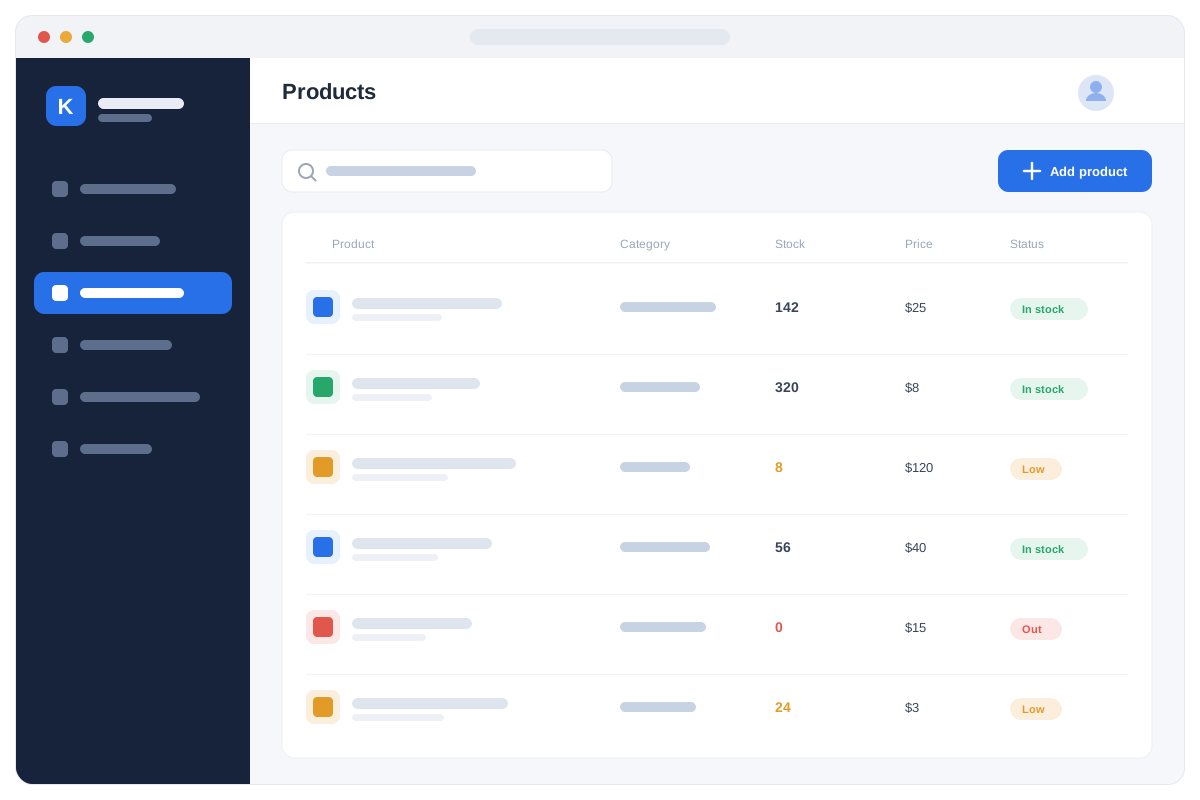
Stock you can trust across every branch
Most businesses do not lose money on the shelf — they lose it in the stock nobody could see. Here every product carries a live quantity in each branch and warehouse, moved by every sale, purchase, return and transfer as it happens. Buy by carton and sell by piece: units convert on their own, so quantity on hand and stock value stay right without anyone recalculating.
Live quantity and stock value in every location
Carton, box, dozen or piece, converted automatically
Batch, expiry and serial-number tracking
Minimum-stock alerts and reorder lists
Transfers between branches and warehouses
Stock counts and adjustments with an approver
Expired and out-of-stock items are caught at the counter before they can be sold, and every adjustment is signed by the user who made it.
03Purchasing
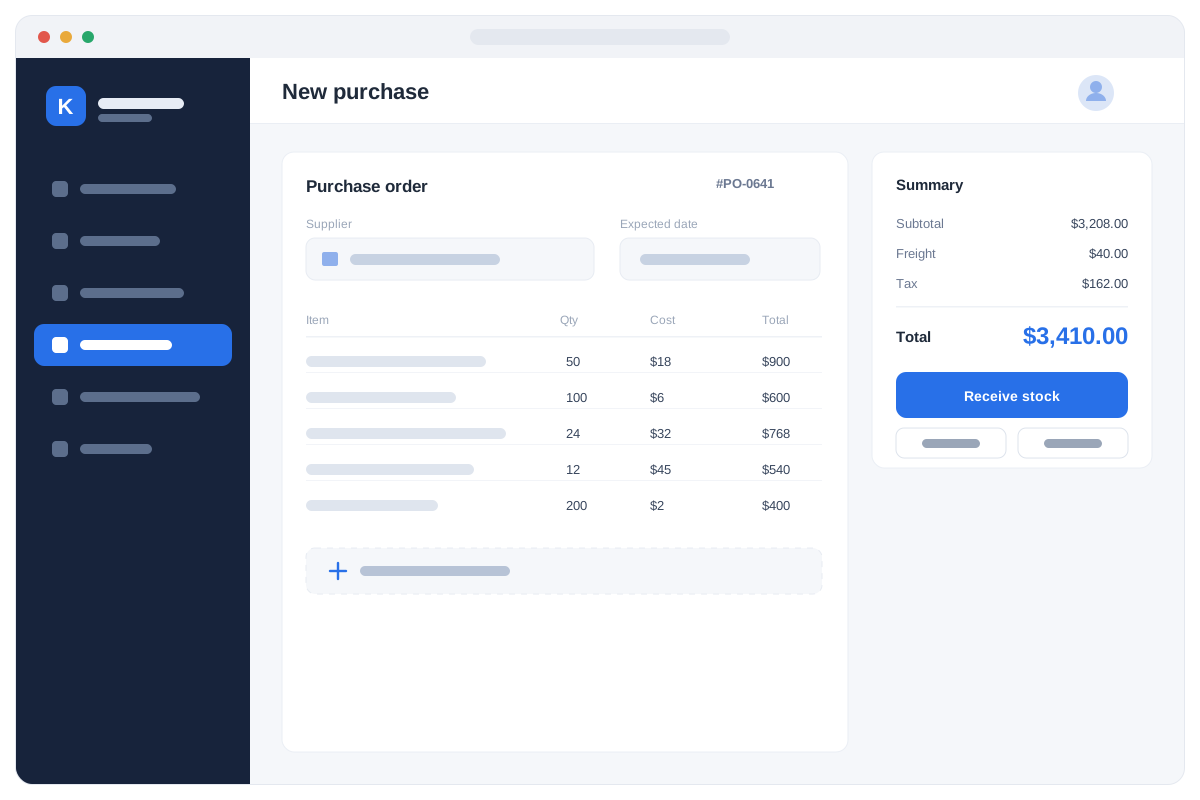
Buy smarter and control your costs
Buying well is what protects your margin, and that starts with knowing what the goods truly cost you. Raise a purchase order, receive stock against it, and record the supplier bill, the payment and any return from one place. Freight, duty, clearing and transport are spread across the goods received, so the landed cost you price against is the real one — and supplier balances stay on screen instead of in a notebook.
Purchase orders, goods receipts and partial deliveries
Supplier accounts, bills, advances and payments
Landed cost including freight, duty and clearing
Purchase returns, debit notes and corrections
Reorder suggestions from live stock and past demand
Compare supplier prices and purchase history
One goods receipt updates stock, the supplier balance and the books in a single step — so the cost you sell against is never a guess.
04Reports & dashboards
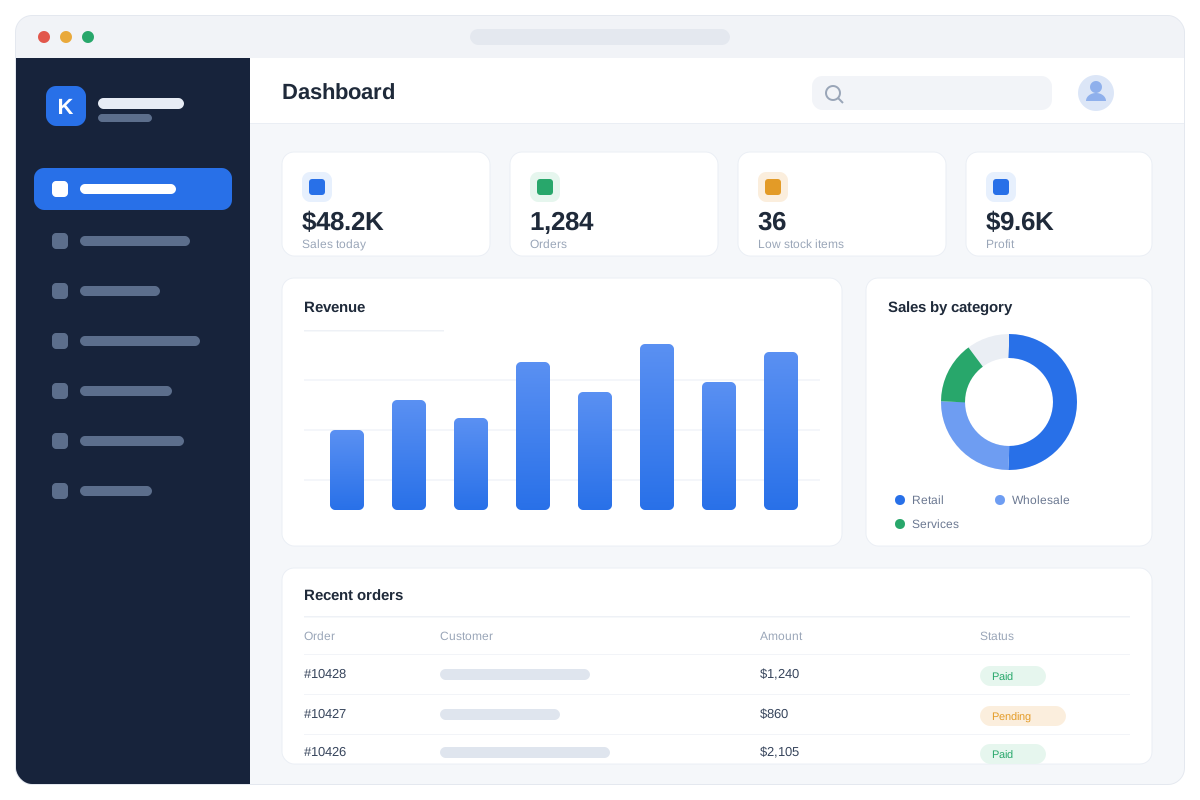
See the whole business at a glance
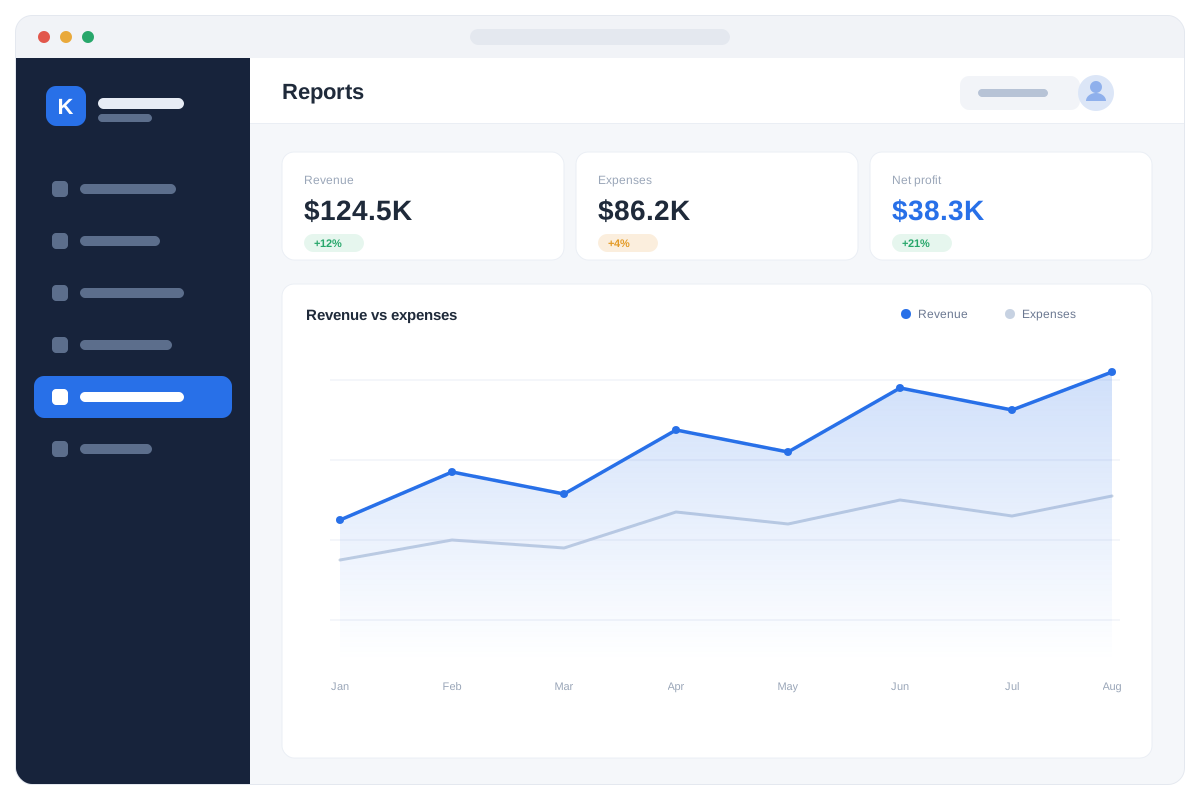
Every transaction your team enters becomes information you can act on the same day. Open the dashboard and see today's sales, this month's profit, what is sitting in stock, who owes you money and what you owe others — refreshing as your staff work, not at the end of the month. Drill from any headline figure down to the branch, the item, the customer or the single invoice behind it.
Live revenue, expense, profit and cash position
Branch-wise sales, stock value and margin per item
Fast and slow movers, and dead stock you can clear
Receivables and payables with ageing lists
Trial balance, profit and loss, and balance sheet
Export any report to Excel or PDF in one click
The same dashboards open on desktop, tablet or phone — so you can check the business from the shop, the office or another country.
03 Modules
Everything included
Every module below is included. Switch on what you need today and add the rest as you grow.
01
Sales & billing
Quotations, sales orders, cash and credit invoices, deliveries, returns and credit notes. Per-customer price lists and discounts are applied as you bill, and every invoice prints tax-ready on your own letterhead.
02
POS counter
A fast point-of-sale screen built for a barcode scanner and touch. Scan, bill, take cash, card or split payment and print a receipt in seconds — with held bills and a shift-wise cash closing the cashier signs off.
03
Inventory & stock
Live quantity and stock value in every branch and warehouse, moved by each sale, purchase, return and transfer as it happens. Carton, box and piece convert automatically, and batches, expiry dates and reorder alerts are tracked from the day goods arrive.
04
Purchasing & suppliers
Purchase orders, goods received notes, partial deliveries, supplier bills, advances, payments and returns. Freight, duty and clearing are spread across the goods so the landed cost you price against is the real one.
05
Accounting & finance
A full double-entry ledger with your own chart of accounts, receivables, payables, expenses, bank reconciliation and financial statements. Every sale, purchase and payment posts on its own, so the books are never a separate job.
06
Multi-currency & pricing
Buy, sell and report in AFN, USD, PKR and more, with exchange rates and gain or loss on conversion handled for you. Wholesale, retail and per-customer price levels sit on the same item.
07
CRM & follow-ups
Leads, customers, quotations and reminders in one shared pipeline, whether the enquiry came by phone, WhatsApp or a walk-in. Every call and visit is kept against the customer, so nothing is forgotten when someone is on leave.
08
HR & payroll
Employee records, contracts, duty rosters, attendance, leave and automated monthly payroll with deductions and advances. Salary costs post straight into the accounts with everything else.
09
Branches & warehouses
Unlimited branches and multiple warehouses inside each one, with transfers between them and a record of what left and what arrived. Report on one branch alone or on the whole group consolidated.
10
Reports & dashboards
Sales, stock value, cash position, profit, margins and outstanding balances on dashboards that refresh as your team works. Drill from any total down to the branch, the item or the single invoice behind it, and export to Excel or PDF.
11
Users & security
Unlimited users, each with a role and exactly the permissions they need — a cashier, a store keeper and an owner see different screens. Every action is logged against a user, and backups run automatically.
12
Setup & customization
Configure documents, taxes, units, price lists, numbering and approval steps to match how your business already runs. We tailor the screens and reports to you instead of asking you to change your process.
If you recognise your organisation here, we can show you the system running with data close to yours.
Pharmacies & medical stores
Supermarkets & grocery
Retail shops & chains
Restaurants & cafés
Wholesalers & distributors
Manufacturing & production
Construction & building materials
Automotive & spare parts
Electronics & mobile shops
Garments & textiles
Hardware & tools
Cosmetics & beauty
Food & beverage
Import, export & trading
Service businesses
07 Questions
Before the demo
01Does Karyaal work without internet?
Yes. Installed on your own server it keeps running when the connection drops; the cloud option syncs when it returns. Most of our customers run it locally for exactly this reason.
02How long does it take to go live?
Two to six weeks: data migration, configuration to your departments and prices, staff training, then a supervised go-live with our engineers on site.
03Can it be changed to match how we work?
Yes. Departments, services, prices, documents and reports are configured for you, and our engineers build custom modules when a step of your process does not exist yet.
04Who owns the data?
You do. It sits in a SQL Server database you can back up and export at any time, and we hand over a full export if you ever leave.
05What happens after go-live?
Phone and WhatsApp support, remote help, on-site visits from Kabul and Jalalabad, retraining for new staff, backups and version upgrades under an annual agreement.
Hello! I'm the Yakclick assistant. Ask me about our management systems, pricing, setup time or support — or leave your phone number and our team will call you.